Built in Script Hub
v2.720.1164 ships with an in app Script Hub. The most used scripts for Blox Fruits, Grow A Garden, Pet Simulator and Brookhaven are pre loaded. One tap to execute.
Download, Install & Use (v2.720.1164)
Running Roblox scripts on an iPhone used to mean a jailbreak and a prayer. Not anymore. The Delta iOS Executor is a Lua script executor built specifically for iPhone and iPad, with no jailbreak required, a built in script hub, and a clean injection flow that works on iOS 14 through iOS 18. This guide covers the v2.720.1164 download, every install method that actually works in 2026, how to get a key, the scripts worth running, and the errors that will trip you up.
Delta Executor is a Lua script executor that lets you run custom scripts inside Roblox on iPhone and iPad. It is not an emulator, not a modded Roblox client, and important disambiguation, it is not the Delta Emulator that runs Nintendo games on iOS. Same name, completely different software. The delta executor for ios is built by the Symaro team and is distributed as an IPA file you sideload onto your device.
In plain terms, you install the executor, open it next to Roblox, paste or load a Lua script, hit Inject, and the script runs inside whatever Roblox game you are playing, Blox Fruits, Grow A Garden, 99 Nights in the Forest, Brookhaven, whichever. Auto farm, teleport, ESP, speed, whatever the script is written to do.
v2.720.1164 ships with an in app Script Hub. The most used scripts for Blox Fruits, Grow A Garden, Pet Simulator and Brookhaven are pre loaded. One tap to execute.
Delta uses the Gloop engine, keeping injection under a second on most devices and handling Lua close to UNC standard.
Sideloads through a signed certificate using standard Apple sideloading. Your warranty and iOS security model stay intact.
Supports iPhone 6s through iPhone 16 Pro Max, iPad Air 2 and newer, on iOS 14, 15, 16, 17, and the full iOS 18 line.
The Symaro team pushes a new build whenever Roblox updates Byfron or Hyperion. v2.720.1164 is the current stable build.
Dark UI, single inject button, side tab for scripts, and a real time console at the bottom for debugging.
Supported devices: iPhone 6s, 7, 8, X, XR, XS, 11, 12, 13, 14, 15, 16 (all variants). iPad Air 2 onward, all iPad Pro models, iPad Mini 4 and newer. Supported iOS versions include 14, 15, 16, 17, 18.0, 18.1, 18.2, with iOS 18.3 community tested.
Download the delta ios executor v2.720.1164 IPA file from the official source only. Third party IPA aggregators frequently bundle malware or expired certificates, and a revoked certificate means your install dies within hours.
That IPA file is the foundation for every install method below. Do not delete it until your install is complete and verified.
Four install methods work in 2026. Pick the one that matches your situation.
Tap the IPA download in Safari, allow the configuration profile, then open Settings, General, VPN & Device Management and install the Delta profile.
Install eSign via Safari, import the Delta IPA, tap Sign then Install, and trust the eSign developer profile in Settings.
Install Scarlet from usescarlet.com, open the Apps tab, search Delta, tap Install, then trust the developer profile.
On Mac or Windows, drag the Delta IPA into Sideloadly, enter your Apple ID, hit Start. 7 day cert on free accounts, 1 year on paid.
Every install method ends the same way, you must trust the developer profile. Go to Settings, General, VPN & Device Management, find the Delta or signer profile, tap it, and tap Trust. Without this step, the app will refuse to open. Apple's Developer Profile trust guide covers this flow if you get stuck.
That's the entire flow. From open to executing, about 30 seconds once you've done it twice.
Delta uses a 24 hour key system. The key unlocks script execution and resets every 24 hours.
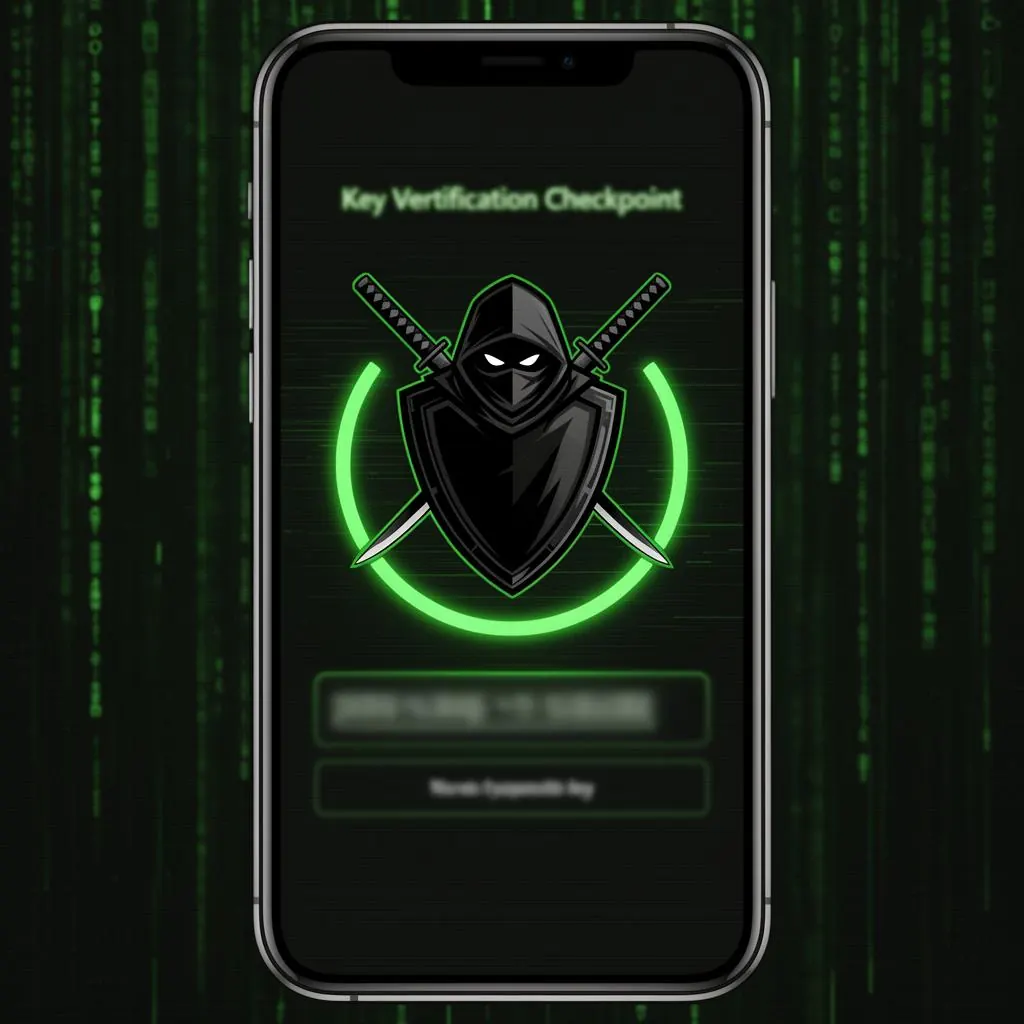
The key is valid for 24 hours, then you repeat. For a deeper breakdown including bypass tools and known issues, see our complete Delta key guide. Looking for Android? Head to the Delta Executor APK download page, or grab the desktop build from Delta PC.
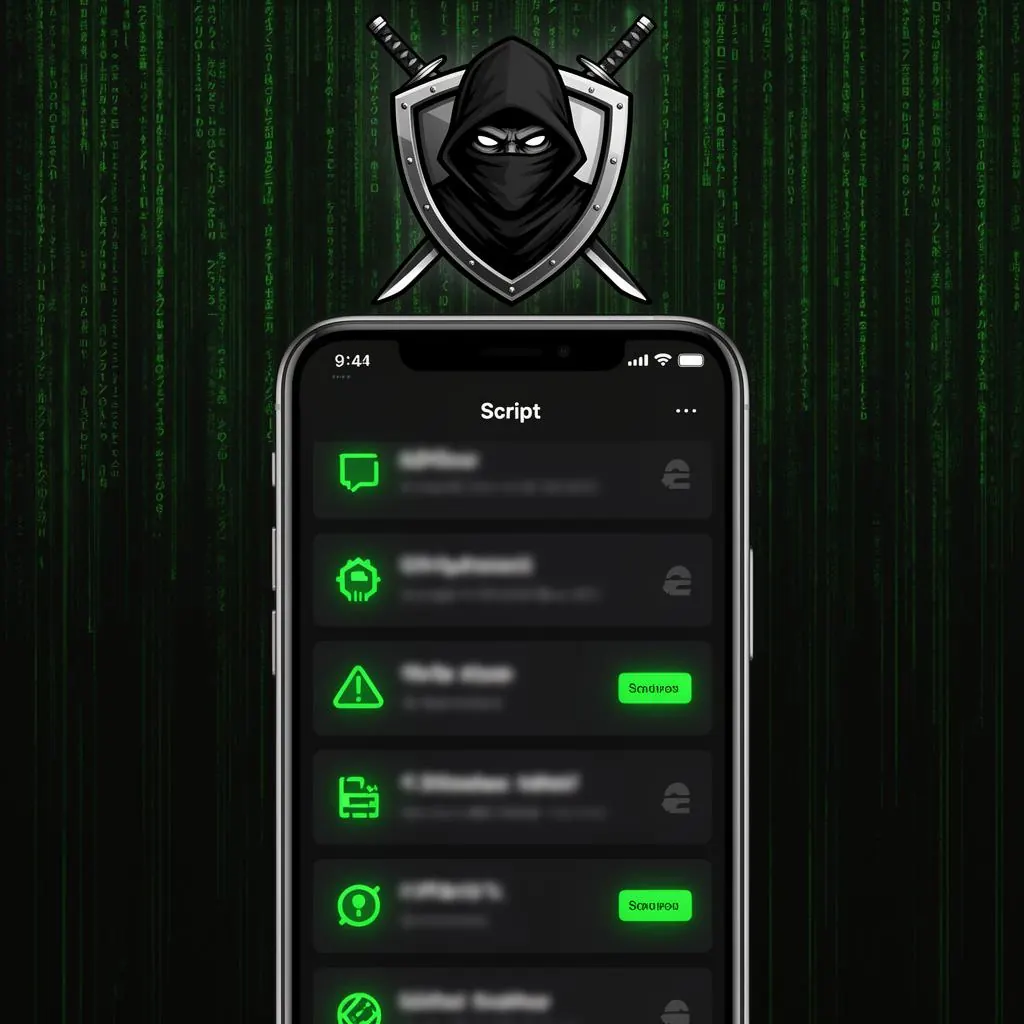
The Script Hub covers the popular Roblox titles out of the box. The most used scripts in our best Roblox scripts library right now:
Auto Farm, Auto Quest, Teleport, ESP
Auto Money, Auto Plant, Auto Sell
Auto Loot, ESP, Speed
Fly, Speed, Teleport
Auto Hatch, Auto Sell, Coin Multiplier
Infinite Yield, Owl Hub (work across most games)
Apple killed the signing cert. Reinstall using eSign or Scarlet with a fresh cert.
Open Settings, VPN & Device Management, tap the profile and tap Trust.
Usually a Byfron update. Wait 24 to 48 hours for a patched build from the Symaro team.
Your 24 hour window ran out. Get a fresh key from the in app Get Key button.
Make sure Roblox is running in the background, or try a different mobile compatible script.
The script references desktop only UI elements. Find a mobile compatible version.
Both versions do the same thing, but the install flow is completely different. On Android you download an APK, enable Install from Unknown Sources, and you're done in 60 seconds. On iOS you're managing signed IPAs, trust profiles, and certificate expiry. The trade off, iOS gives you better device security and a more stable executor, Android gives you faster setup. If you have both platforms, the Delta Executor APK for Android is the easier daily driver. If you're iOS only, v2.720.1164 is solid.
Two safety dimensions to think about, device safety and Roblox account safety.
Device safety. Delta itself, downloaded from the official source, is clean. The risk is third party IPA sites that bundle malware. Stick to the official download. Do not install random Delta Mod or Delta Premium IPAs from Telegram channels.
Account safety. Roblox's anti cheat (Hyperion and Byfron) can flag executor usage. The realistic risk in 2026 is a temporary ban, occasionally a permanent one on accounts that script aggressively. Best practices, use a secondary Roblox account for scripting, do not script in competitive games with leaderboards, and never input your main Roblox password into anything outside roblox.com itself.
If Delta isn't working for you, the main iOS alternatives:
Yes. The executor and key system are both free. You will encounter ad checkpoints when getting a key.
No. It installs through standard iOS sideloading.
24 hours per key.
Yes. v2.720.1164 supports iOS 18.0, 18.1, and 18.2.
No. Delta Emulator is a Nintendo game emulator. Delta iOS Executor is a Roblox script executor. Completely separate apps from different developers.
About 220 MB for the v2.720.1164 IPA.
Yes, but the certificate expires every 7 days and you'll need to re sign.
There's always a risk. Use a secondary account if you're concerned.
Start with eSign, trust the profile, get your first key, and you'll be injecting scripts inside ten minutes.